
Maintenance & Support · The long half of the relationship
Anyone can install a system. We keep yours worth what you paid for it.
Building technology fails slowly, then suddenly. Planned maintenance, disciplined records, and honest lifecycle forecasting turn those sudden failures back into scheduled, budgeted work.
Why it pays
Maintenance isn't a cost line. It's downtime insurance with receipts.
A maintained system fails less, and when it does fail, it fails with documentation: the technician arrives knowing the device, its location, its history, and its firmware. That's the difference between a one-hour fix and a three-day outage.
- Fewer repeated failures, because inspections catch wear before it becomes downtime
- Faster troubleshooting, because asset records replace guesswork
- Vendor accountability, because every visit produces a written report
- Protected investment, because lifecycle planning replaces panic purchases
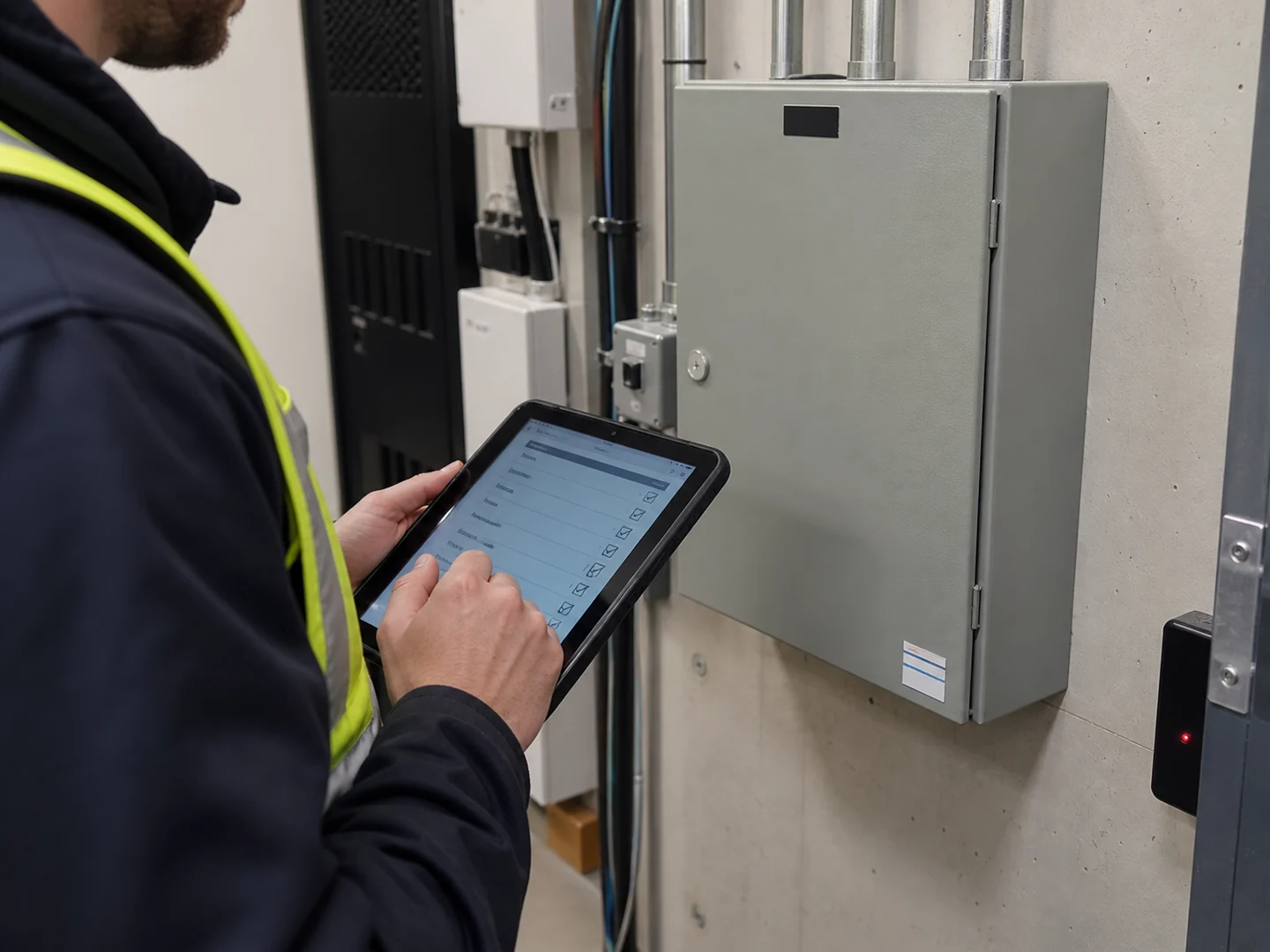
What a program includes
The working parts of a REM maintenance program.
Planned maintenance
Scheduled visits matched to each system's criticality and manufacturer requirements, booked around your operations.
Inspections
Device-by-device checks: door hardware, cameras, sensors, batteries, communication paths, and the fire interfaces people forget to retest.
Service reporting
After every visit: what was inspected, what was found, what was fixed, and what to watch. Written for the person who wasn't there.
Asset & location records
A living inventory of every device: model, location, firmware, install date, and service history. Yours, not ours.
Remote support
Diagnostics, configuration changes, and credential help handled remotely when possible, so a truck roll is the exception.
Response tiers
Emergency, urgent, and routine response arrangements defined in your maintenance agreement.
When something is down right now
The emergency path is one phone call.
Call (403) 803-6302, any hour. Requests are logged and triaged immediately; critical failures (breached entries, failed access systems, dead recording during an active issue) escalate to an on-call technician.
Maintenance clients get priority scheduling and their site documentation is already in the technician's hands when they leave the shop.
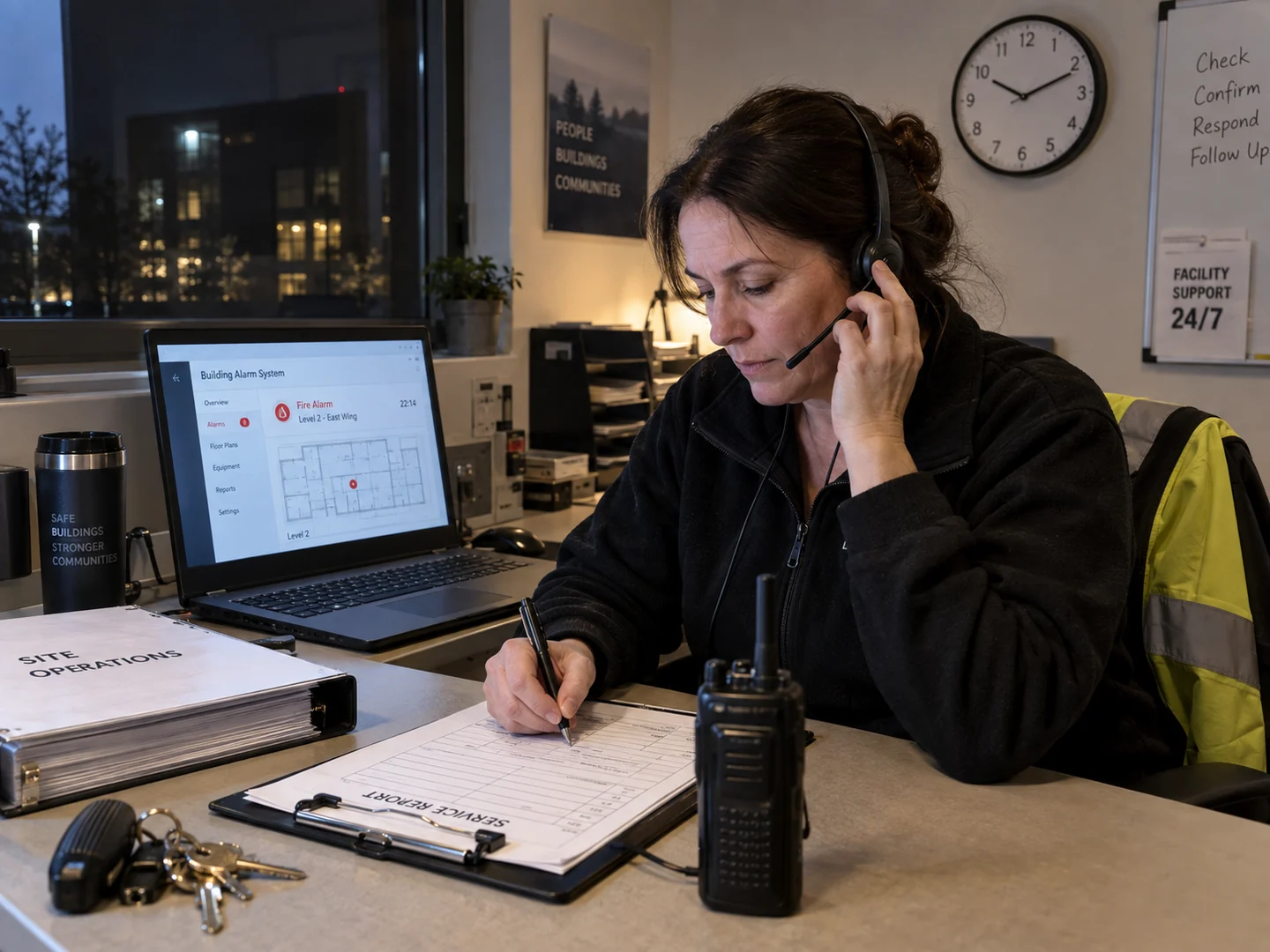
- Call for urgent support and describe the affected system, property location, and operational impact.
- REM coordinates the service response and keeps your team informed of the next steps.
- Service timing is confirmed with your team, and completed work is documented in a report.
Beyond repairs
Lifecycle planning: know what fails next and what it costs.
Best suited to condo boards, owners, and facility leaders working on annual budget cycles.
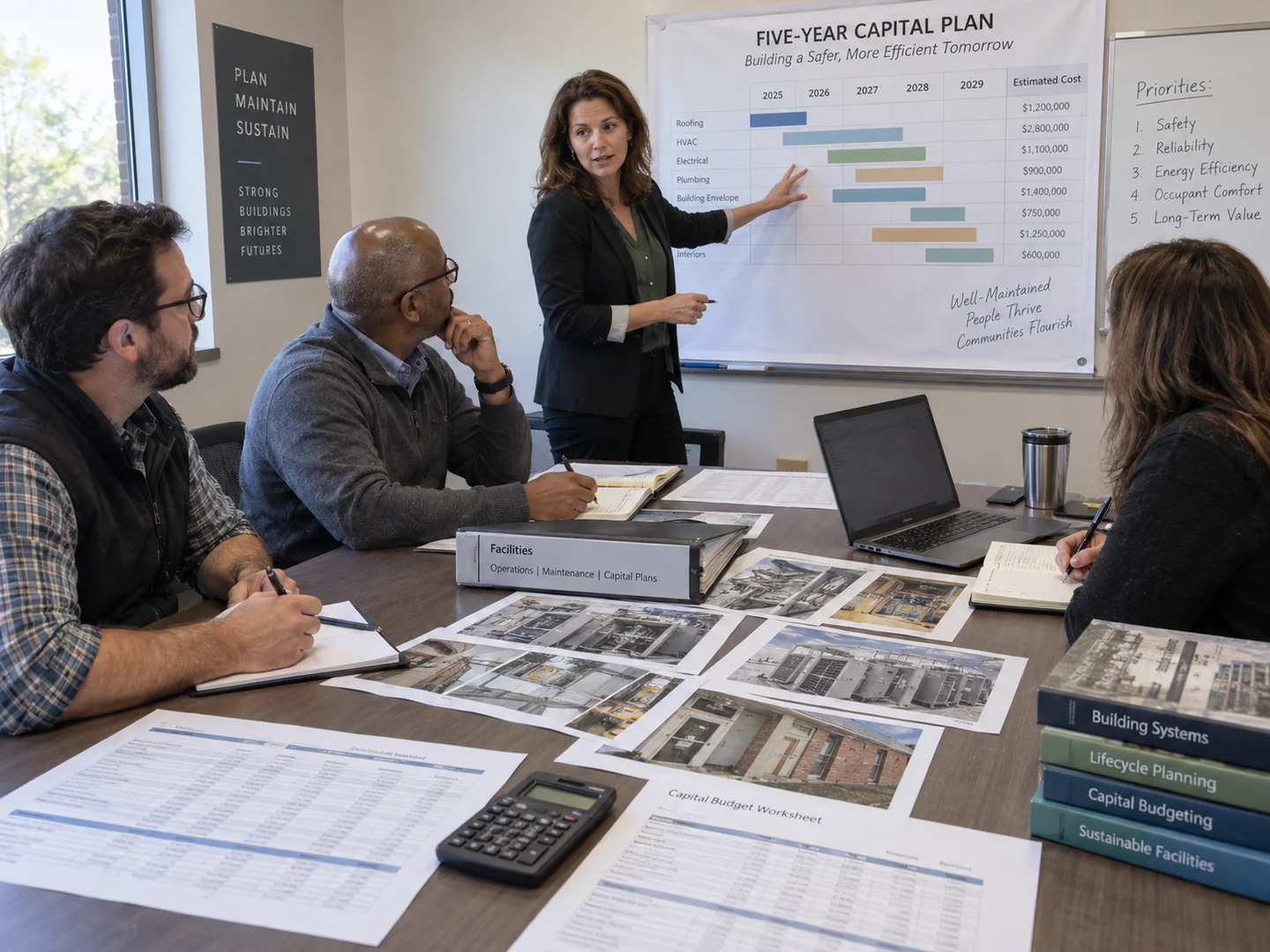
Annual building technology review
Once a year, a structured review of every system's condition, support status, and risk, delivered as a document you can table with your board or leadership.
Budget forecasting support
Multi-year replacement forecasts so reserve funds and capital plans absorb upgrades on schedule instead of by emergency.
Documentation cleanup
Inherited a building with no records? We audit, label, and document existing systems so the next failure is diagnosable, whoever installed it.
System modernization roadmap
A phased path off end-of-life platforms that reuses sound infrastructure, sequences spending, and never leaves the building unprotected mid-migration.
Start with a conversation about your systems as they are today.
Existing REM install or someone else's, the first step is the same: document what you have, then decide what it needs.